Companies and people
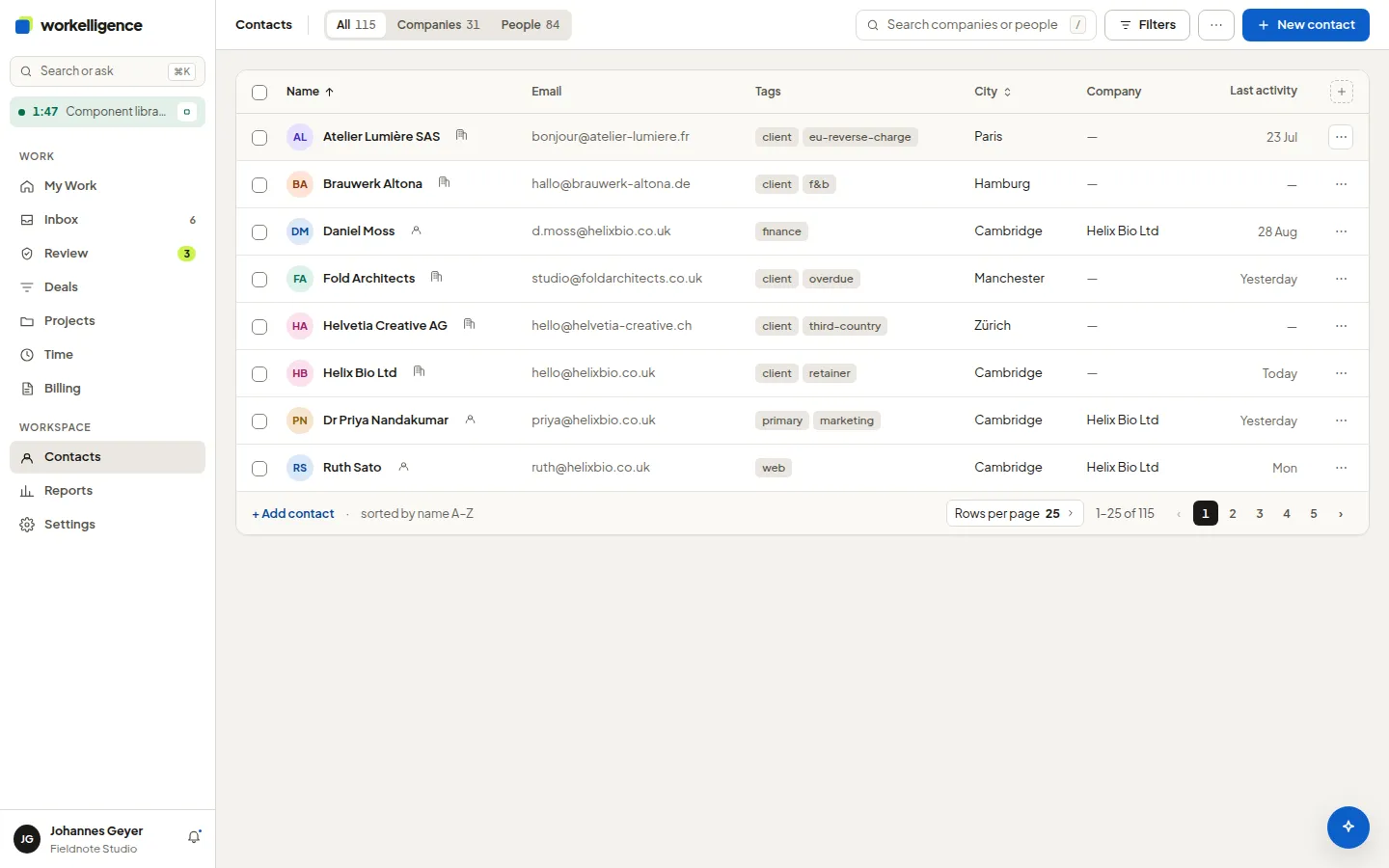
Contacts holds companies and people. A person can belong to a company. The contact page shows what belongs to the contact: deals, projects, invoices, files, notes and activity.
Create a contact
Section titled “Create a contact”- Open Contacts and click New contact.
- Choose Company or Person, enter the name and, for a person, the company.
- Save, then add addresses and email addresses on the contact page.
Addresses and email addresses
Section titled “Addresses and email addresses”A contact can have several addresses and several email addresses, each with a kind: Billing address, Delivery address, Office, Other; Work, Billing, Personal, Other. Exactly one of each is Primary.
Invoices use the billing address and the billing email address if they exist, otherwise the primary ones. You never pick them by hand on the invoice.
Merge duplicates
Section titled “Merge duplicates”Open the duplicate and choose Merge into another contact…. The preview shows what moves: deals, projects, invoices, time, files and which field values survive. Finalized invoices keep their frozen customer data.
Tags and VAT
Section titled “Tags and VAT”Tags group contacts for filters. The VAT ID on a company is used on invoices and can be verified against VIES.